CouponRecorder Chrome Add-on for Tracking User Actions on SMZDM
CouponRecorder is a Chrome add-on developed by dpy1123. It is designed to record user actions while browsing SMZDM, a popular online shopping platform. The add-on allows users to track their views, purchases, and dislikes.
To use CouponRecorder, simply install the add-on and you will see a "C" icon in the top-right corner of your browser. Clicking on the icon will enable the add-on. When browsing the SMZDM homepage, clicking on the title or icon of each recommended item will open the details page and record a "view" action. Clicking on the direct purchase link or the purchase link within the details page will redirect you to the corresponding page and record a "buy" action. Additionally, hovering over the title of a recommended item will display a dislike button on the right side. Clicking on the dislike button will record a "dislike" action.
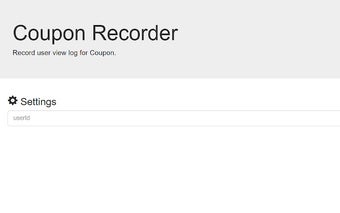
Before using CouponRecorder, you need to configure your user ID to differentiate yourself from other users. Right-clicking on the icon and selecting "Options" will allow you to specify your user ID. Please choose a unique and distinguishable ID, as the ID "dpy1123" is already in use. If you haven't set a user ID while browsing a target webpage, a prompt will appear asking you to input your ID.